



Start building on Bitcoin

Bitblocks is the read side of an application: blocks, transactions and proofs from the chain, over a plain API. Here is the path from a first request to something of your own. Each step says what works today and where it leads.

What's here today

Every transaction is stored through block 312,816 of 974,914 known. The sync works upward from the first block, so the examples below use a block that's already here.

The path

Five steps. The first three need no account.

  1. Make your first request

    Works today, no account needed

    Ask Bitblocks where it stands. This endpoint is open, so it needs no account and no key.

    In a terminal
    curl https://bitblocks.app/api/v1/status
    The response, abridged
    {
      "status": "ok",
      "index": { "complete_through": 312816, "tip": 974914 }
    }
    

    complete_through is the highest block with every block below it stored and checked. It's worth reading first in anything you build, because it says how far the answers go.

  2. Read a transaction

    Works today, no account needed

    The first spend ever made is in block 170: 10 coins to Hal Finney, and 40 back to Satoshi. Open it on Bitblocks and read it for yourself.

  3. Prove it yourself

    Works today, no account needed

    A proof lets you check a transaction is in a block without trusting Bitblocks. Here is the proof for that transaction.

    The API's response, abridged
    {
      "data": {
        "txid": "f4184fc596403b9d638783cf57adfe4c75c605f6356fbc91338530e9831e9e16",
        "index": 1,
        "siblings": [
          "b1fea52486ce0c62bb442b530a3f0132b826c74e473d1f2c220bfa78111c5082"
        ],
        "merkleroot": "7dac2c5666815c17a3b36427de37bb9d2e2c5ccec3f8633eb91a4205cb4c10ff",
        "block_hash": "00000000d1145790a8694403d4063f323d499e655c83426834d4ce2f8dd4a2ee",
        "block_height": 170
      }
    }
    

    Now climb from the transaction to the root. This needs Python and no account, and it prints True.

    check_proof.py
    from hashlib import sha256
    
    def sha256d(b): return sha256(sha256(b).digest()).digest()
    def internal(x): return bytes.fromhex(x)[::-1]
    
    txid = "f4184fc596403b9d638783cf57adfe4c75c605f6356fbc91338530e9831e9e16"
    index = 1
    siblings = ["b1fea52486ce0c62bb442b530a3f0132b826c74e473d1f2c220bfa78111c5082"]
    merkleroot = "7dac2c5666815c17a3b36427de37bb9d2e2c5ccec3f8633eb91a4205cb4c10ff"
    
    node = internal(txid)
    for sibling in siblings:
        pair = node + internal(sibling) if index % 2 == 0 else internal(sibling) + node
        node = sha256d(pair)
        index //= 2
    
    print(node[::-1].hex() == merkleroot)  # True
    

    The root is in the block's header, so anyone holding the headers can make the same check. The API reference covers proofs and BEEF.

  4. Sign in and call the API

    Works today, signed in

    Sign in with GitHub and you'll come back here. Bitblocks asks GitHub for your public profile and nothing more.

    Signed in, the whole API is a URL you can open in a tab, at 600 requests a minute. It's free, and pricing says what comes after.

    GET /api/v1/txs/:txid, abridged
    {
      "data": {
        "txid": "f4184fc596403b9d638783cf57adfe4c75c605f6356fbc91338530e9831e9e16",
        "block_hash": "00000000d1145790a8694403d4063f323d499e655c83426834d4ce2f8dd4a2ee",
        "block_height": 170,
        "version": 1,
        "input_count": 1,
        "output_count": 2,
        "total_output_satoshis": 5000000000
      }
    }
    
  5. Get a key

    Works today, signed in

    A server can't sign in with GitHub, so an application needs a key. Each GitHub account can hold one trial key, good for 60 requests a minute.

    Sign in above, and you can get yours here.

    How a key is sent
    curl -H "Authorization: Bearer bbk_..." \
      https://bitblocks.app/api/v1/txs/f4184fc596403b9d638783cf57adfe4c75c605f6356fbc91338530e9831e9e16/proof
    

See what's been built

These run on the same index as the steps above, and they're all open to browse.

Rexxies

  • Rexxie #1
  • Rexxie #2
  • Rexxie #3
  • Rexxie #4
  • Rexxie #5
  • Rexxie #6

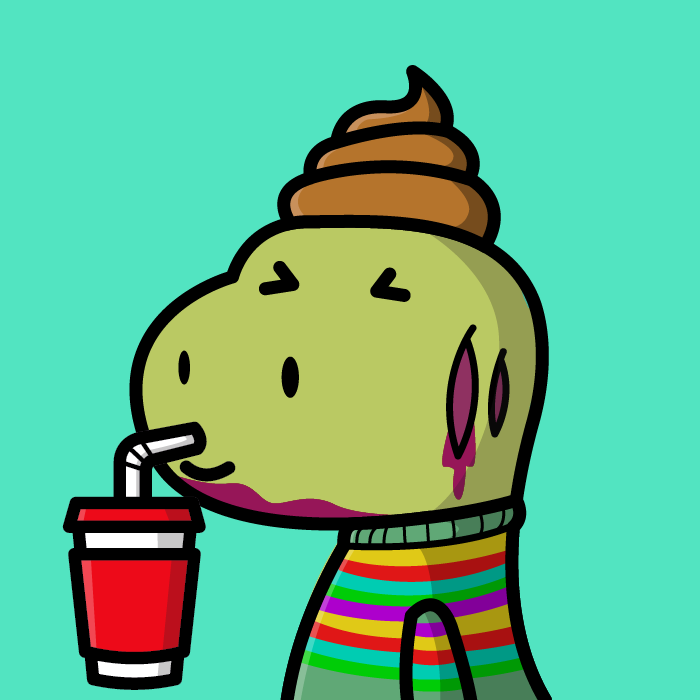
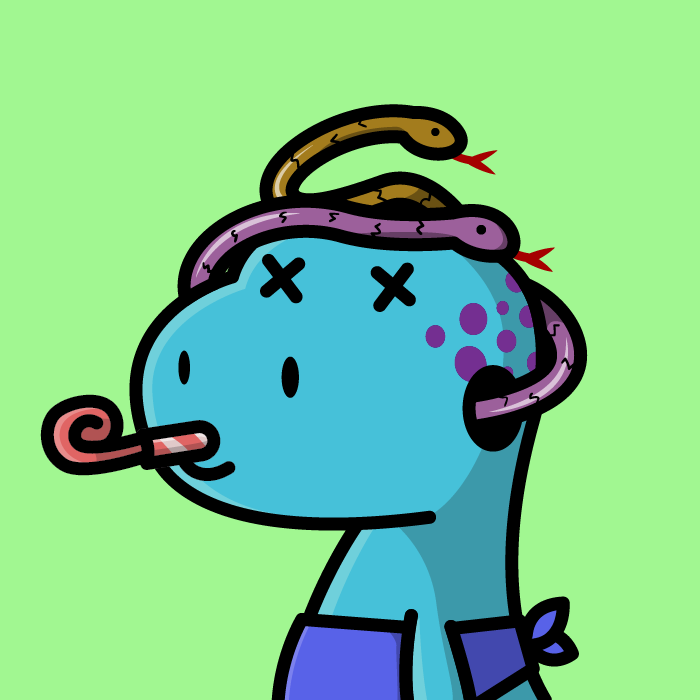
2,222 dinosaur NFTs, each a Run jig, minted from block 771,246. Bitblocks proves each one's membership from the collection's mint chain, and has followed 2,216 of them to a settled answer.

For 32 of them the trail ends, and our field note looks at how that happens.

Where this data comes from: Rexxies sit well above where the full sync has reached, so a collection is imported on its own, and each transaction is checked against its txid. The pictures come from the collection's catalog, because the on-chain payloads are encrypted.

Run's SDK is kept for reference and no longer supported, so read Rexxies as a demo of what the chain keeps, and start new work from the list below.

These are beta views, and they fill in as the sync climbs. For more of what people are building, BSV Radar is a public directory of Bitcoin applications.

Start from these

Good starting points from around the ecosystem. None of them is ours, and we checked each link on 2026-11-05.

Smart contracts

  • sCrypt boilerplate

    A collection of example contracts with tests, in TypeScript. Clone it, run the tests, change a contract. Its last commit was in 2024, so pair it with the documentation below.

  • sCrypt documentation

    How to install sCrypt and write contracts in TypeScript, with worked tutorials.

Applications and wallets

Standards and data

  • BRCs

    Bitcoin Requests for Comments: published standards for wallets, tokens, transactions and more.

  • 1Sat Ordinals specification

    The protocol behind Grand Tardinians and the other 1Sat collections.

  • WhatsOnChain API

    A REST API for blocks, transactions and addresses, and a good companion for anything above where our sync has reached.

Write with Qart

Bitblocks reads, and doesn't compose or sign. Qart, a sibling project, is a write side you can use today: tools for selling from a web page you own. A payment goes straight to the seller's address, and Qart takes no percentage of a sale.

  1. Sign in at qart.app/start and set up a shop.
  2. Add a button to any page you own, with the key from your shop.
  3. Sell something, then read the payment's transaction on Bitblocks once the sync reaches it.
A Qart buy button, in plain HTML
<script
  src="https://qart.app/js/qart-checkout.js"
  data-merchant="your-shop"
  data-endpoint="https://qart.app"
  data-api-key="qcpk_..."
></script>

<div
  data-qart-checkout
  data-item-name="Your item"
  data-price-sats="100000"
>
  <button data-qart-buy>
    Buy
  </button>
</div>

Team Bitcoin is a store built this way, with these buttons on its page.

Live
Buy buttons, pay links, receipts, a point of sale, double-entry books, HTTP 402 pay-per-request, and a wallet API that broadcasts transactions your own tools signed.
On testnet
Escrow, pre-signed refunds and co-signed transactions.
In preview
Minting your own BSV-21 token, and referral covenants.

These labels are Qart's own, from its ladder. qart.app/build explains the thinking, and llms.txt lists its API.

What we'd tell a friend

Our draft views, with our reasons, dated so you can see how they age.

Standards
Implement a published standard before inventing a format.
Identity
Your identity is the first object you own.
Wallets
A website should not hold your keys.
Payments
A payment should carry its own proof.
Experiences
Say what you know, and as of when.
Applications
Build the app as a view of the chain.
Resources
Read the spec, then the code, then the summary.
Things we find interesting
What has caught our eye around the ecosystem.